|
Formula Explorer Pro 6 Settings
In addition to the settings accessible from the More… button you can access the full set of settings:
 The settings button allows you to change your default settings.
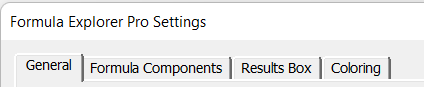
There are 4 tabs for different collections of settings.
At the bottom of the Settings form:

OK
Any changed settings will be stored and used.
Show Hints
The Hints Form will be shown.
Reset Form
The Formula Explorer Pro 6 form will be reset to its default size and centred in the Excel Window.
Reset All to Defaults
Clicking this button will reset all the Formula Explorer Pro 6 settings, form size and position to the default settings.
Help
Help opens a browser window showing help for Formula Explorer Pro 6 Settings
Cancel
Any changed settings will be discarded
|

