|
Where Used Map Styles and Names

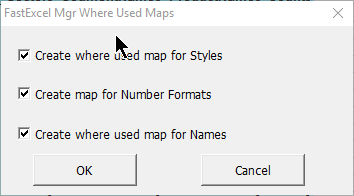
This command allows you to choose which of the three available where-used maps you want to create.
Map Styles
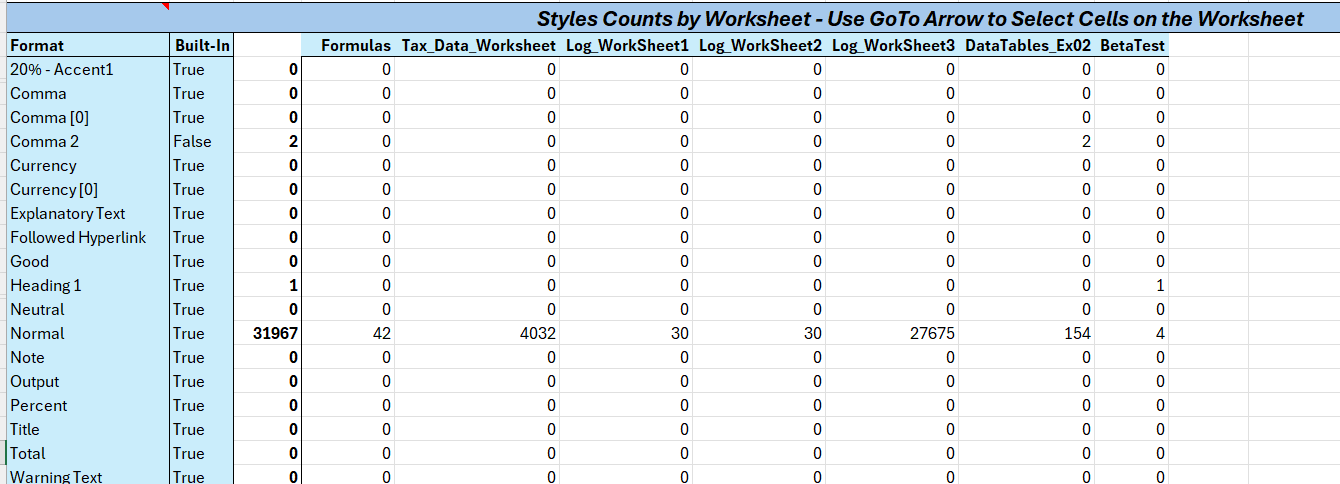
The Map Styles option produces a report sheet showing the count of each style used by each worksheet.
You can use this map to identify where and how often the styles are being used. 
Selecting one of the count cells in the Map Styles sheet and clicking the FastExcel GoTo button will show you the sheet with all the cells on the sheet that use this Style selected.
Map Number Formats
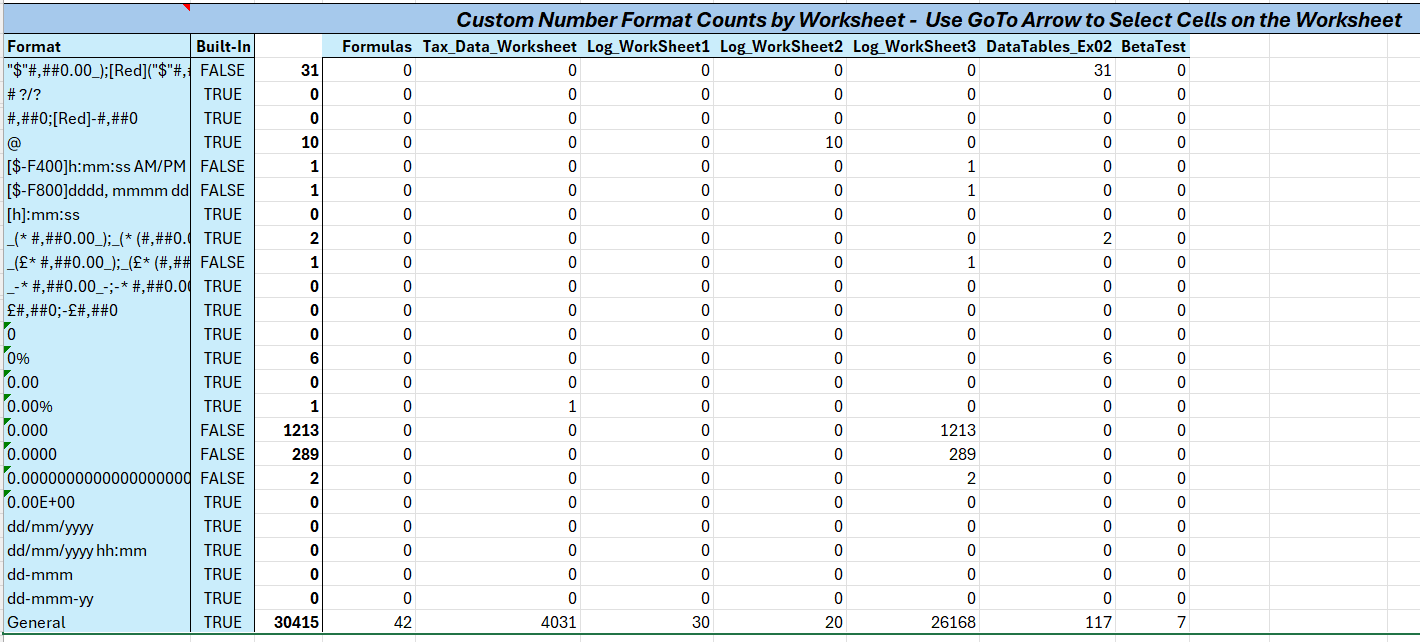
The Map Formats option produces a report sheet showing the count of each number format used by each worksheet.
You can use this map to identify where and how often the number formats are being used. 
Selecting one of the count cells in the Map Formats sheet and clicking the FastExcel GoTo button will show you the sheet with all the cells on the sheet that use this Number Format selected.
This makes it easy to change or remove Number Formats.
Map Defined Names
Name Map analyzes all the formulas on the worksheets in the workbook and in other names to produce a Name Map worksheet showing counts of the usage of the Names by worksheet and by other Name.
Names created by INDIRECT formulas are shown in Bold and Italic..
Named Lambdas are colored Green
Names found in Formulas but not in Name Manager are colored Red.
LET and LAMBDA variables are not treated as Names.
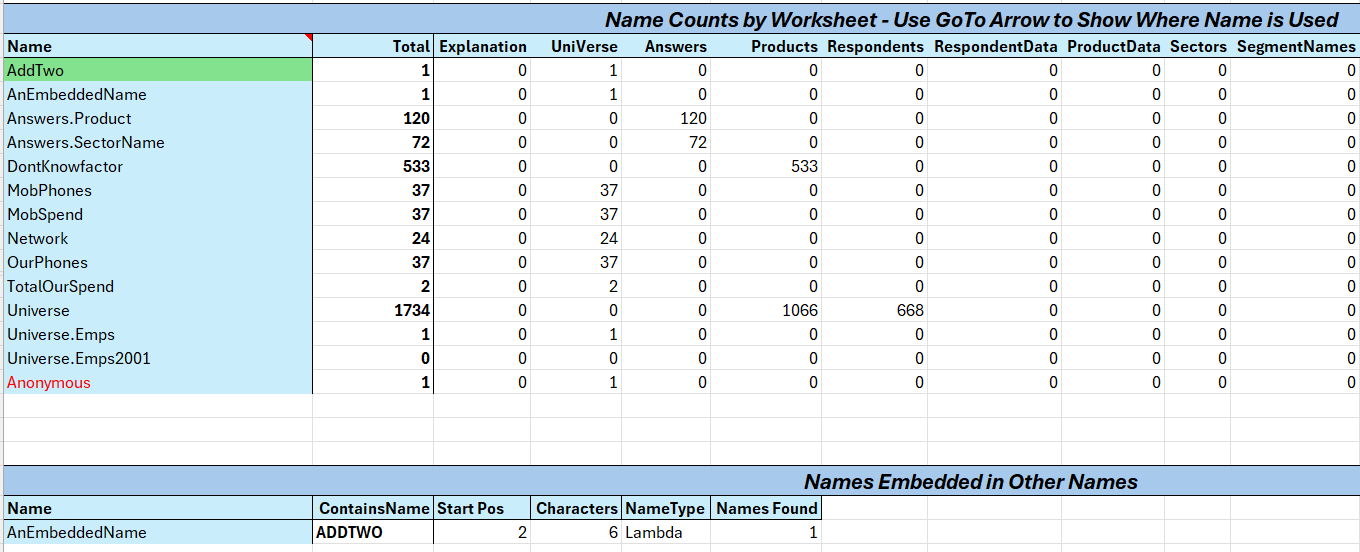

Selecting one of the count cells in the Map Names sheet and clicking the FastExcel GoTo button will show you the sheet with all the cells on the sheet that use this Name selected.
|

