|
Dynamic Range Wizard Step 2
In this step you select the anchor cell, the expansion method, and any additional fixed rows or columns you want to include in the Dynamic Range.
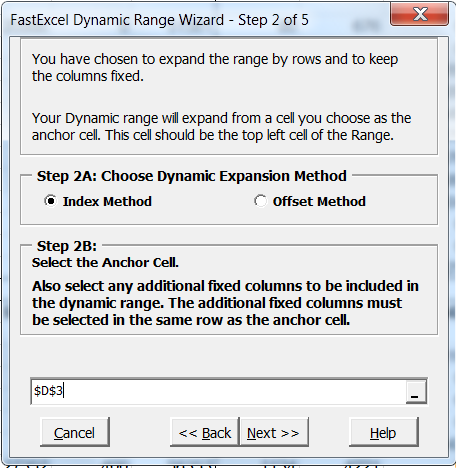
This is the form you will see if you chose to expand by rows only in Step 1. The words will change appropriately if you select a different option in Step 1.
|

